 Mira
Mira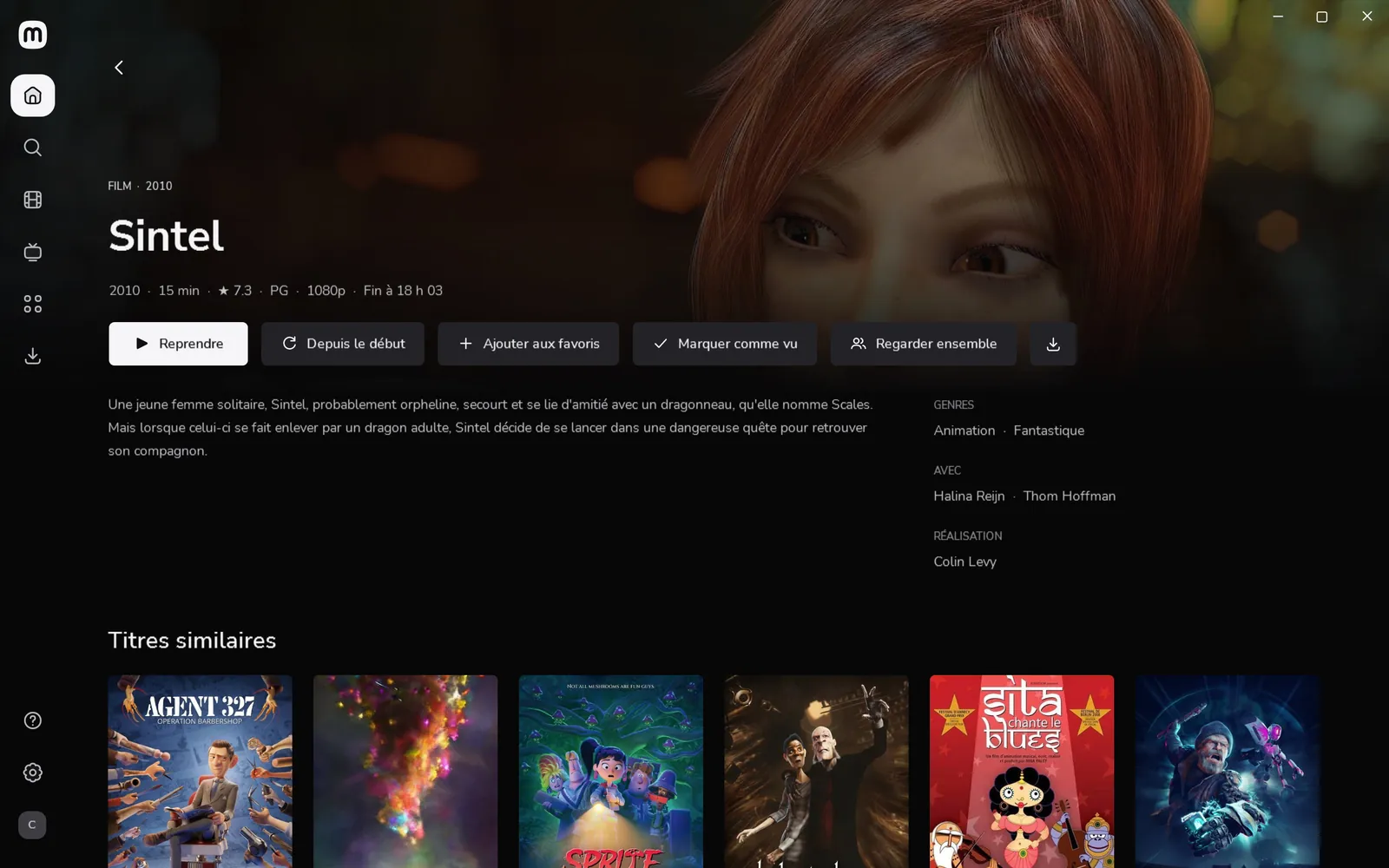
Watch together
Make a group, send the link. Your friend opens it, and you watch at the same moment. A pause on one side pauses the other.
You
Your friend
Together · playing in sync
Windows · Mac · iPhone · Android
Mira turns your films and series into a real cinema: big artwork, picking up at the right minute, the next episode rolling on its own. On your PC, your Mac and your phone.
FreeOpen sourceNo account
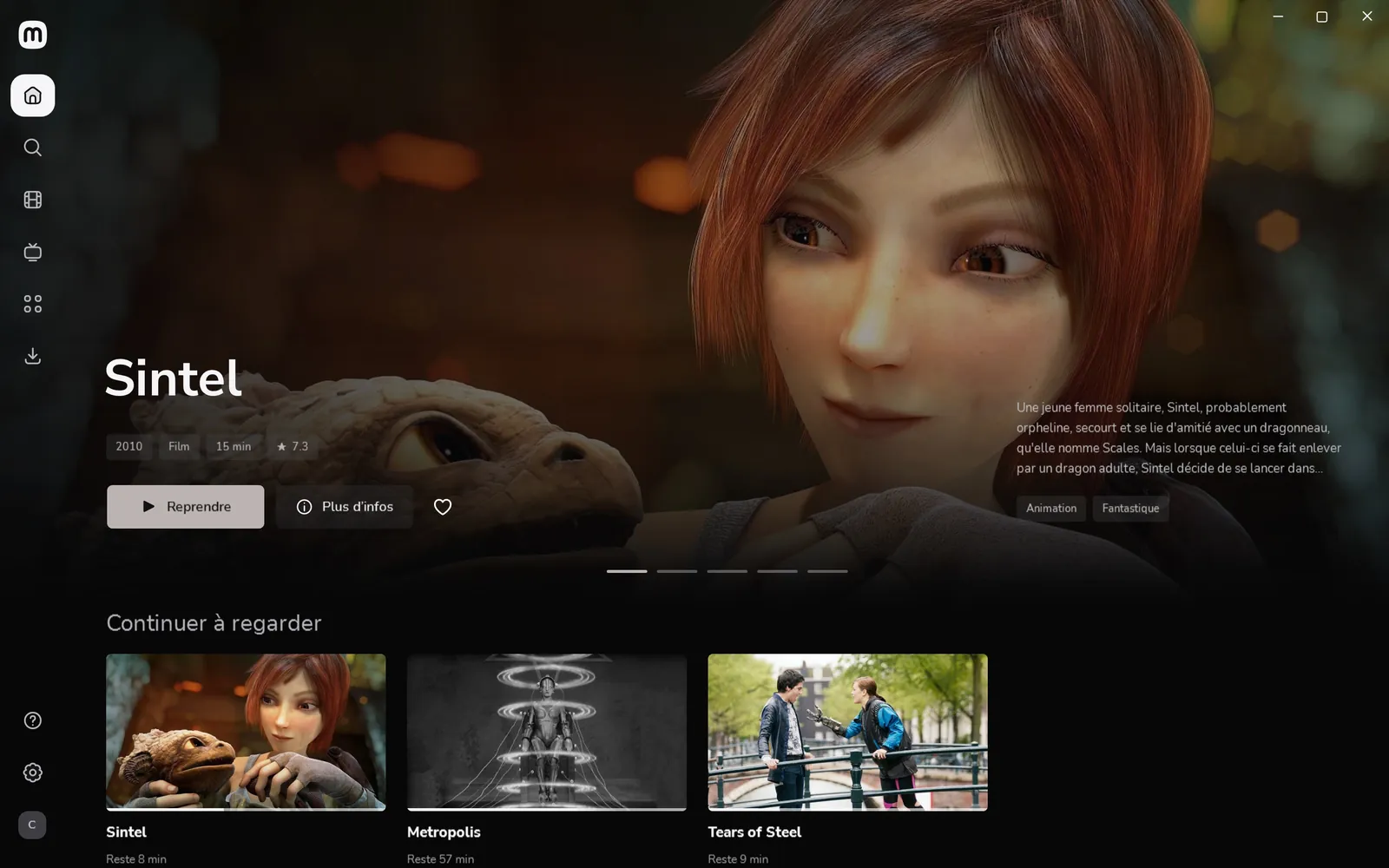
00:01 · On your computer
Mira for Windows and Mac plays everything itself, with the mpv engine: almost any file, as it is.
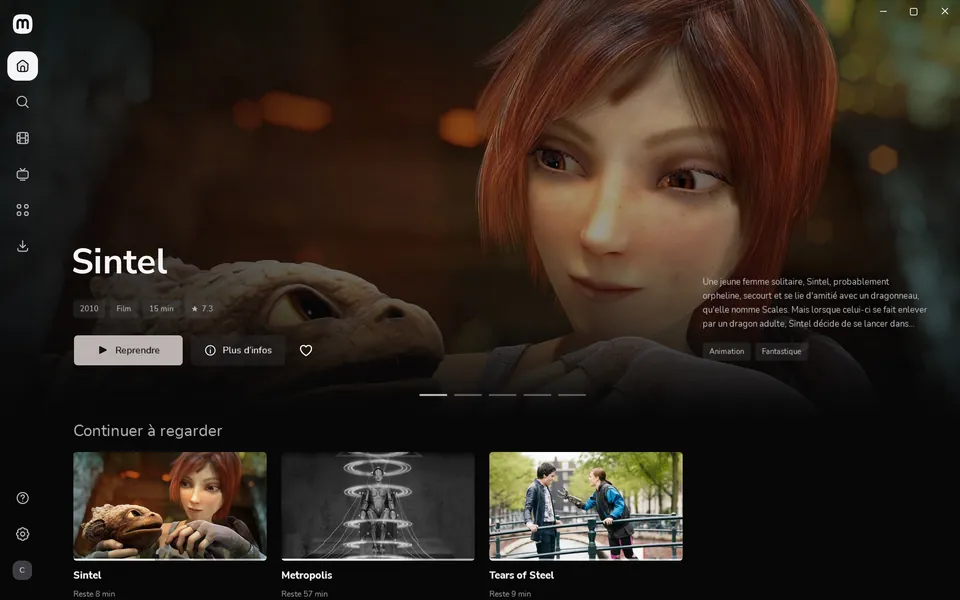
Home
Posters, large artwork, summaries, cast and sagas: your library looks like a streaming service, with nothing to set up.
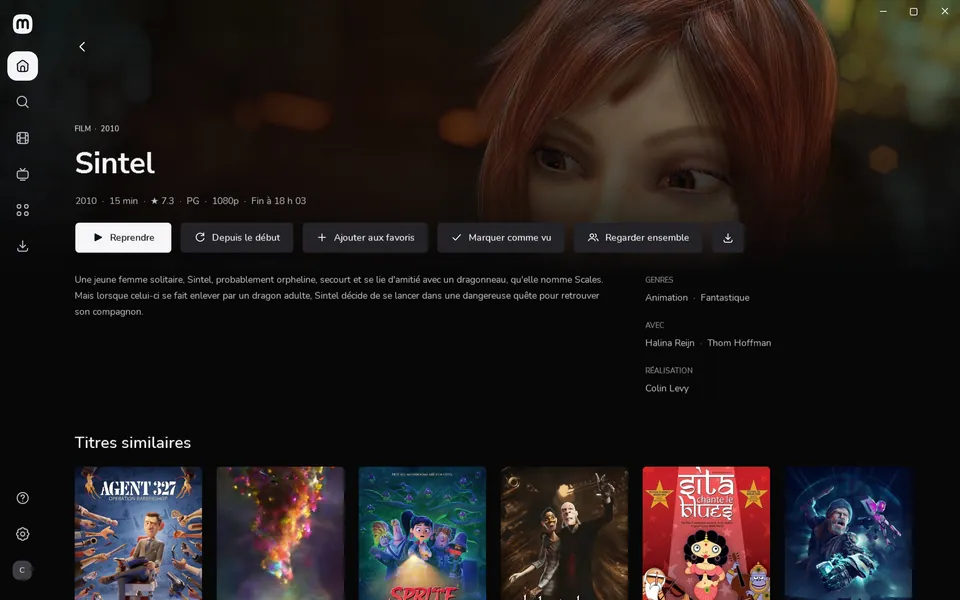
Resume
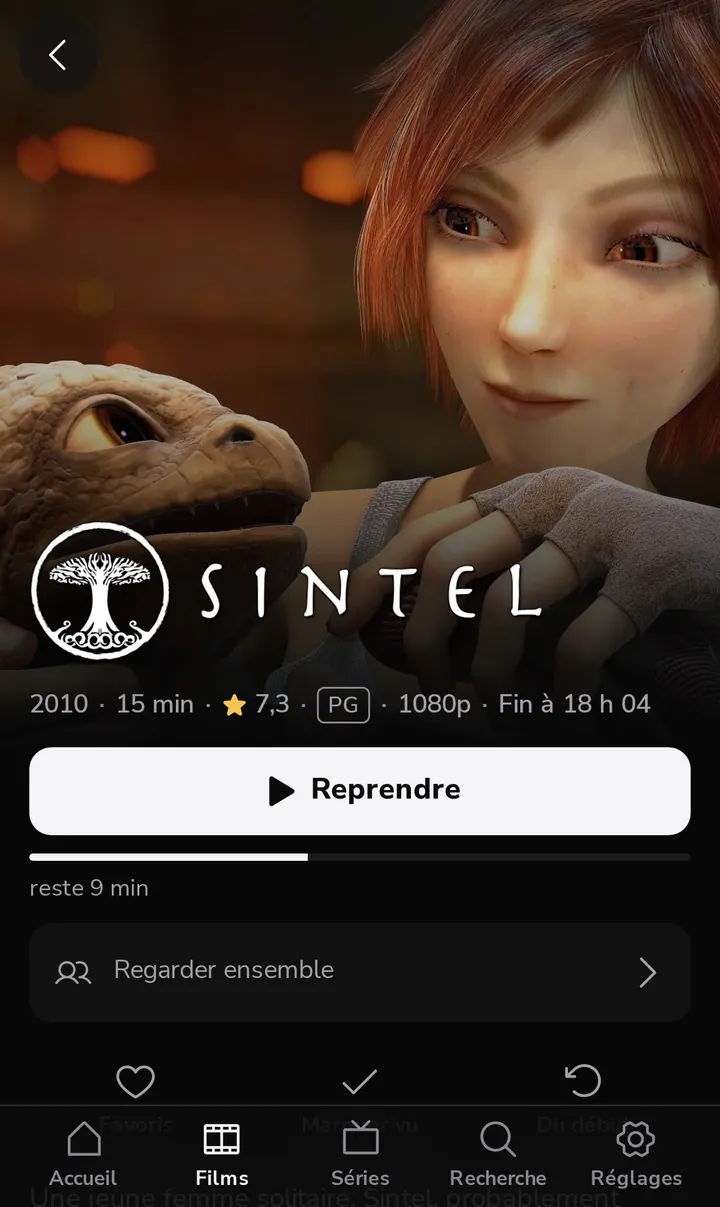
On the PC, the Mac or the phone, Continue watching takes you back to the right minute. You see when it ends before you even press play.
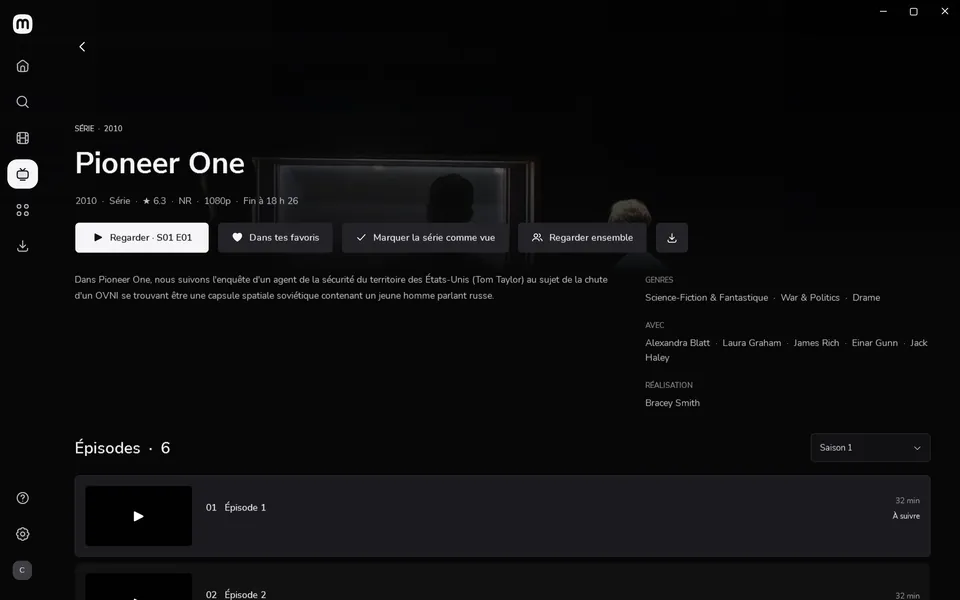
Series
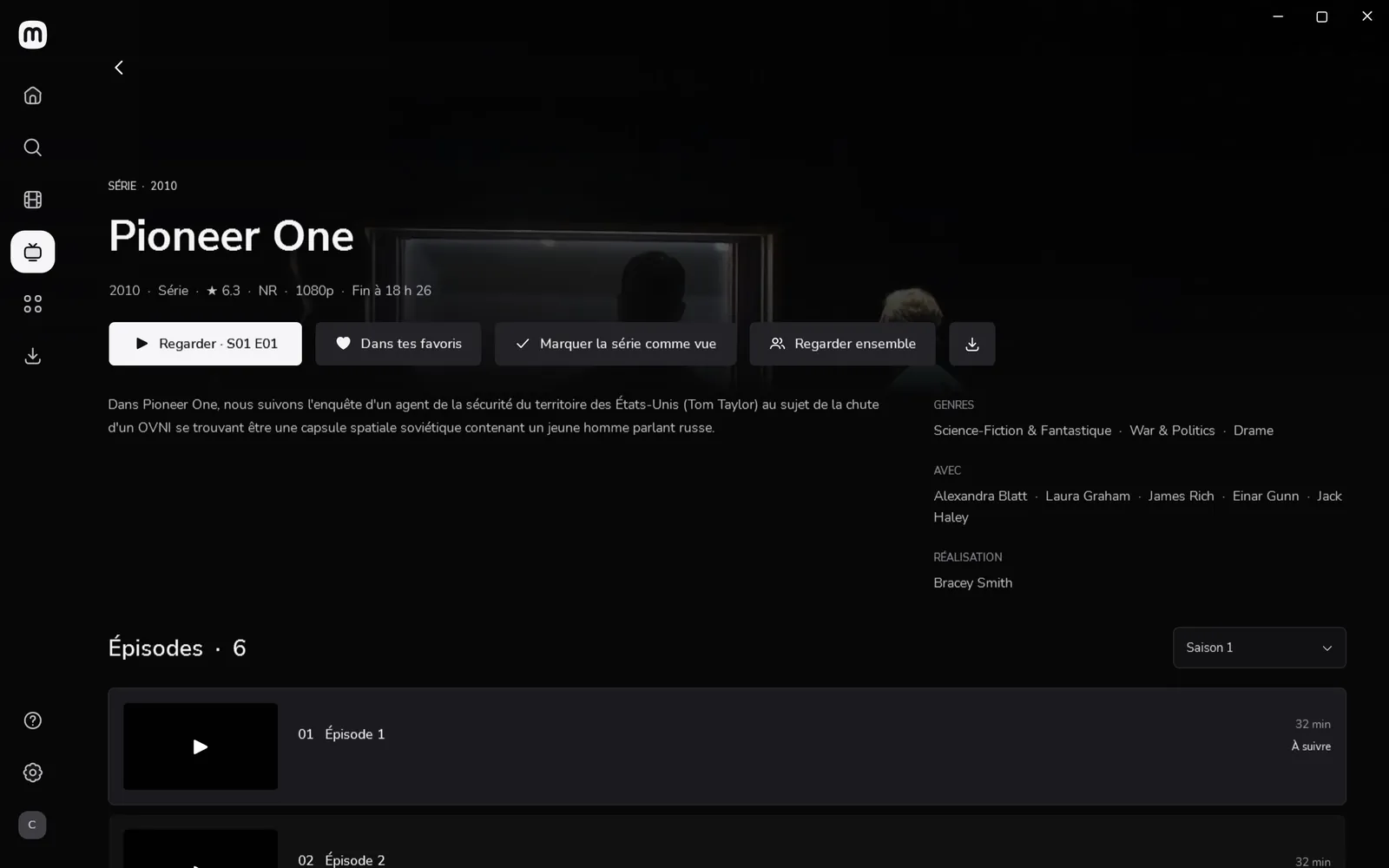
Intros are skipped in one gesture, and each series keeps its own languages: the anime in Japanese, the sitcom in English.
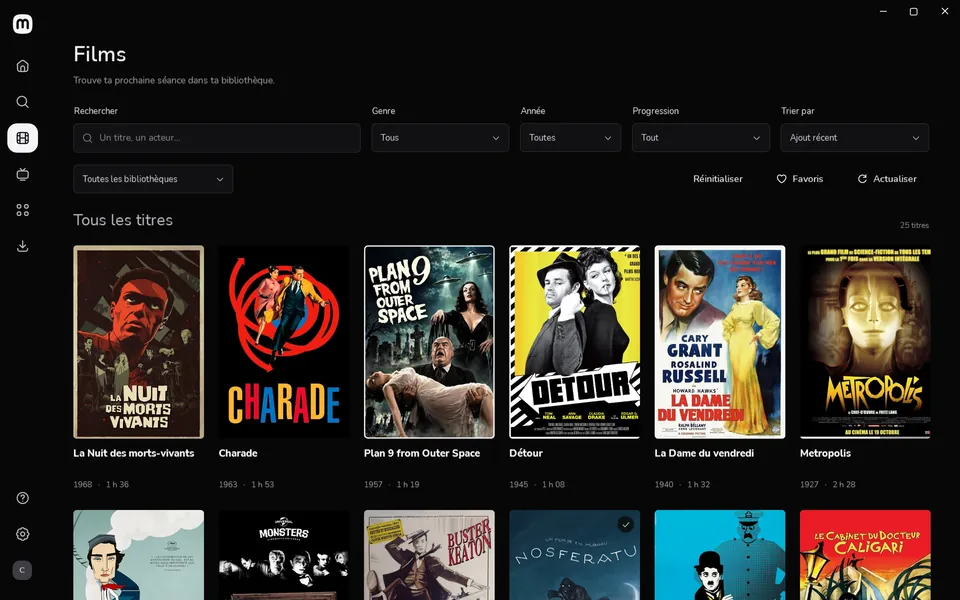
Library
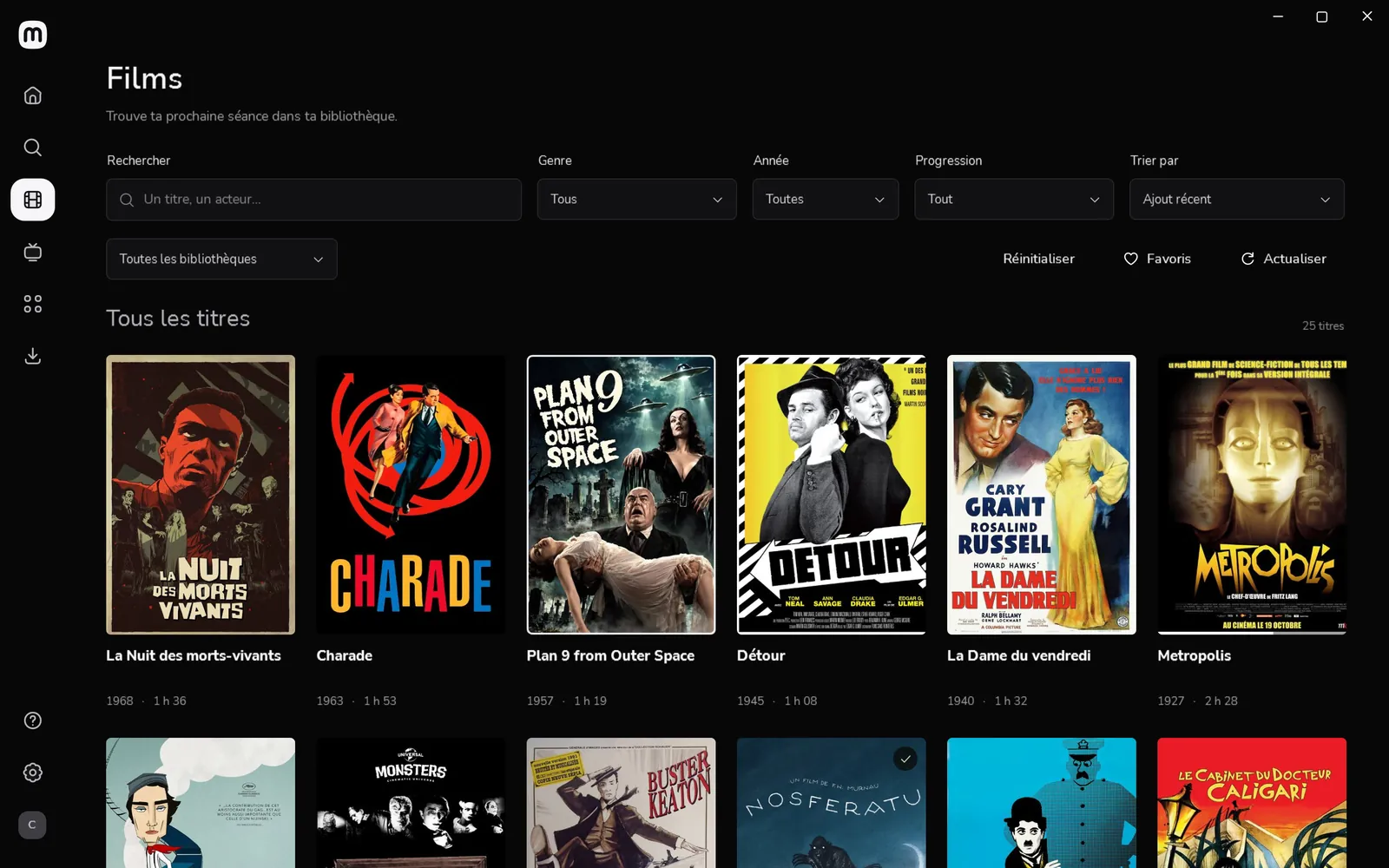
Search, filters and sorting for hundreds of titles, and a library kept on disk: it opens even while the server sleeps.
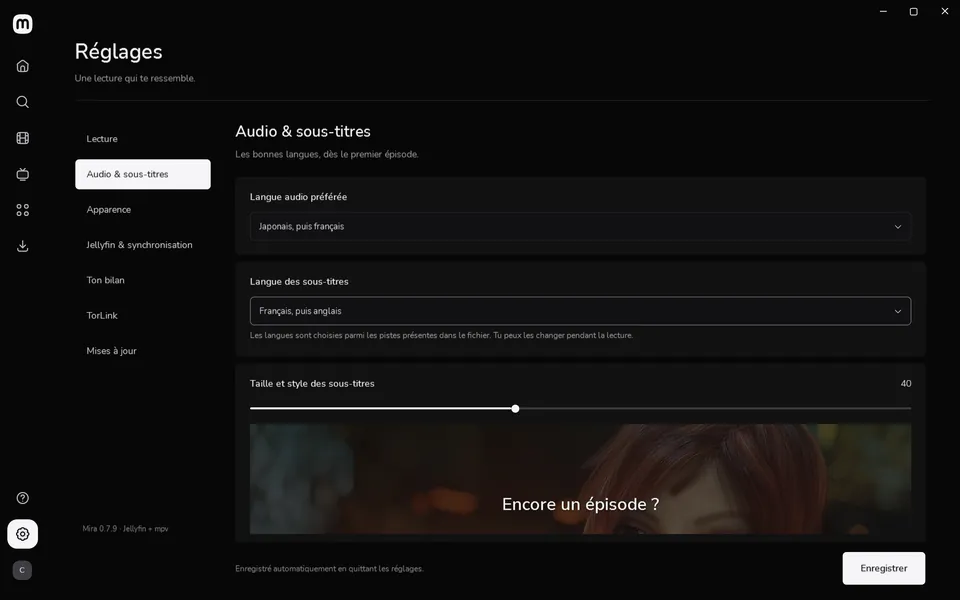
Playback
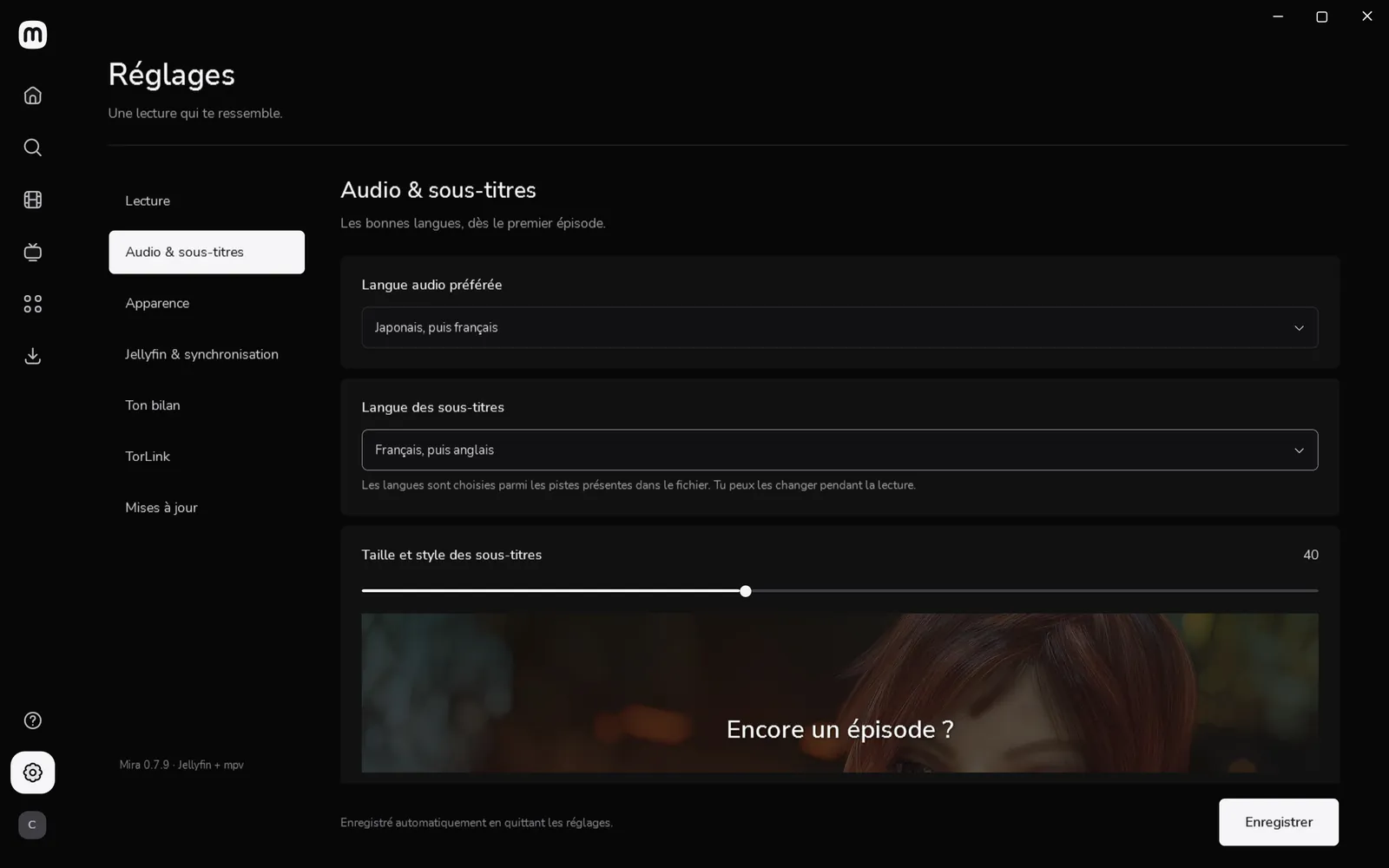
Audio tracks, subtitles at your size, chapters and previews on the seek bar: playback happens in Mira, not in a browser.
00:02 · On your phone
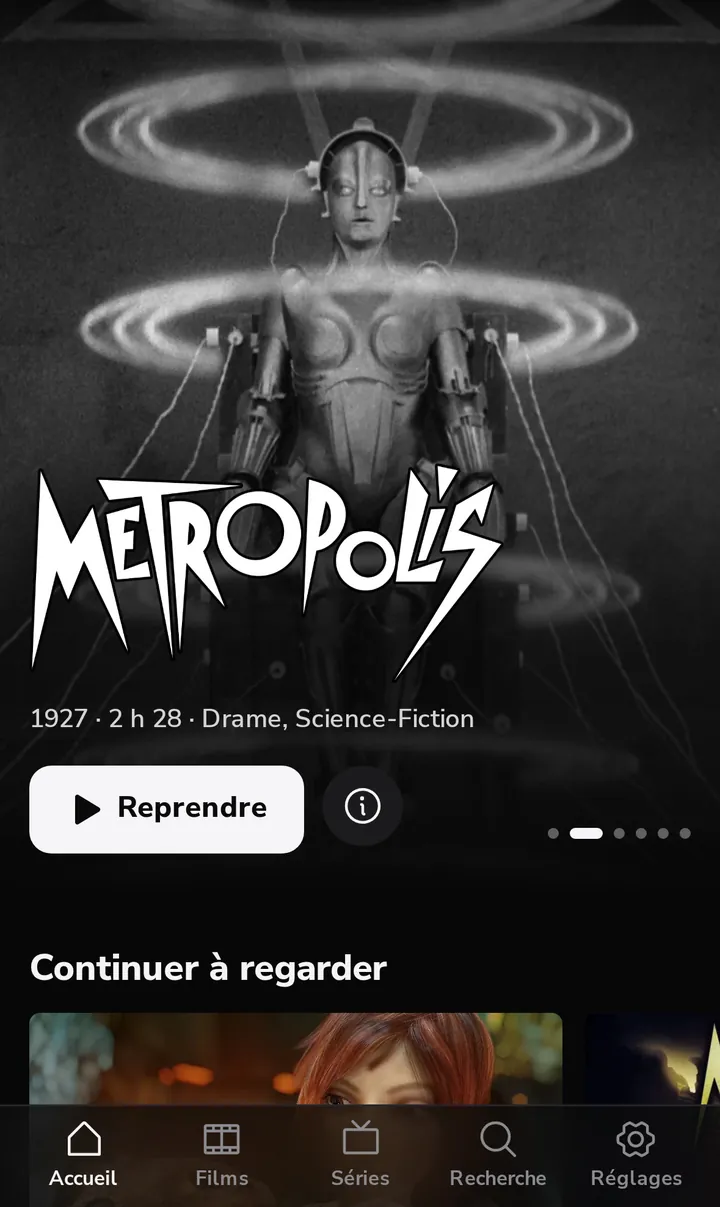
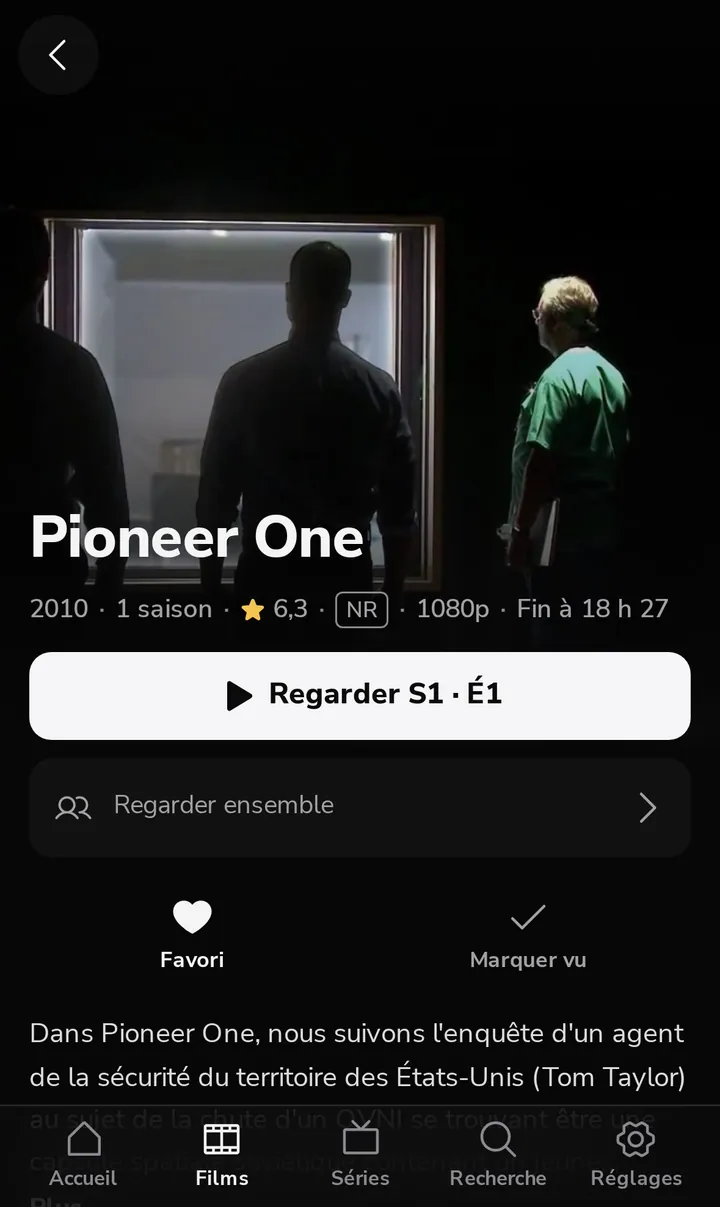
Mira web is served by your own Jellyfin server. On iPhone it opens like an app from the Home Screen, at home or anywhere with Tailscale. On Android too.
00:03 · With others
Make a group, send the link. Your friend opens it, and you watch at the same moment. A pause on one side pauses the other.
Together · playing in sync
Mira installs and prepares it for you, then a single button sets up the rest for the phone. One Windows prompt, and it’s ready.
00:04 · Privacy
Your library, what you watch and when: it all stays between your devices and your Jellyfin.
00:05 · Download
Mira 0.8.1, free and open source. You need a Jellyfin 10.9 server or newer, or let Mira for Windows install it.
Windows 10 or 11, x64
The installer, then Mira keeps itself up to date.
Apple silicon, macOS 15 or later
Drag Mira to Applications, then allow it once: it isn’t signed by Apple.
Nothing to download
Mira web comes from your server: in Mira for Windows, Guide, then Mira on your phone, and scan the QR code.
The Windows files aren’t signed yet: SmartScreen may ask for confirmation (More info, then Run anyway). Each version publishes its SHA-256 checksums in an immutable release on GitHub.